Nabber is stateless by design. Every capture lands on your clipboard, and the selection is always fresh: no target-swapping, no leftover crop from last time.
From a quick region grab to a full-page browser render or a narrated screen recording — all stateless, all on your clipboard.
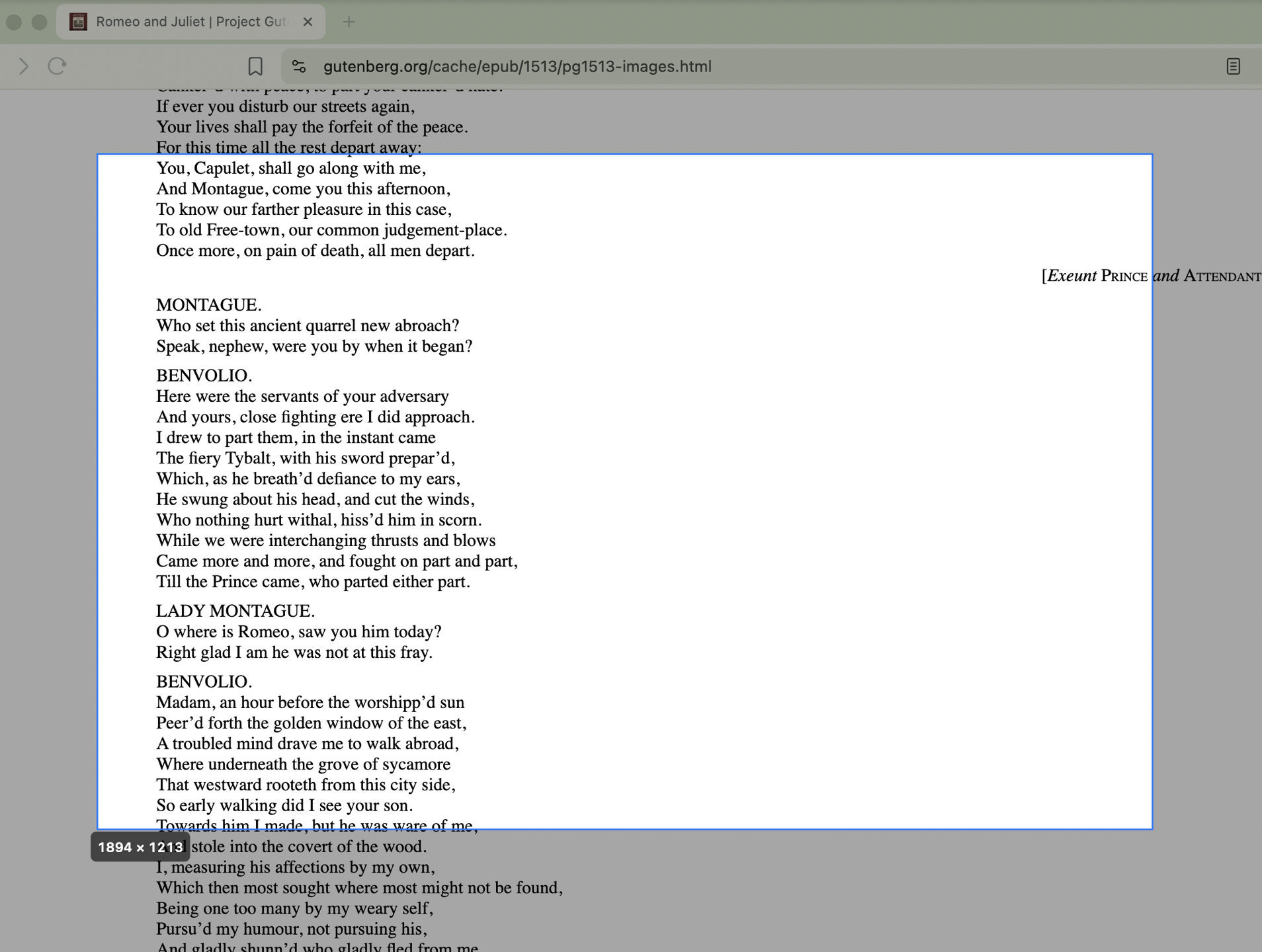
Launch, hotkey, or mouse button → a fresh dimming marquee appears immediately. Drag, release, done.
Pick a delay or wait for a global shutter key, arrange the scene, then fire at the exact moment.
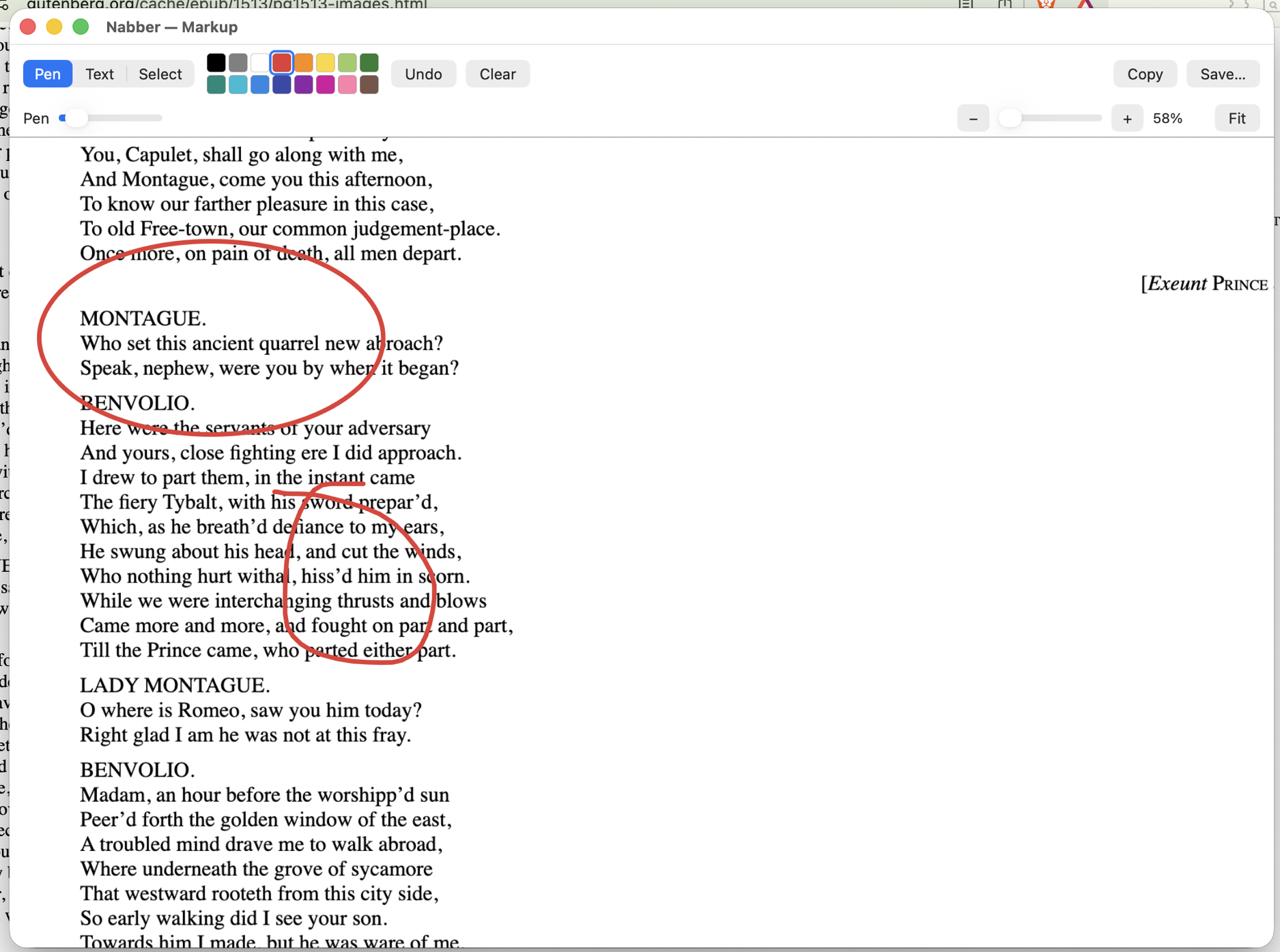
Pen with Procreate-style shape snapping, text, a tidy color palette, plus select / move / resize.
Grab a long region and scroll — Nabber stitches the frames into one tall image.
A paired extension renders the entire web page, then hands the shot back to Nabber.
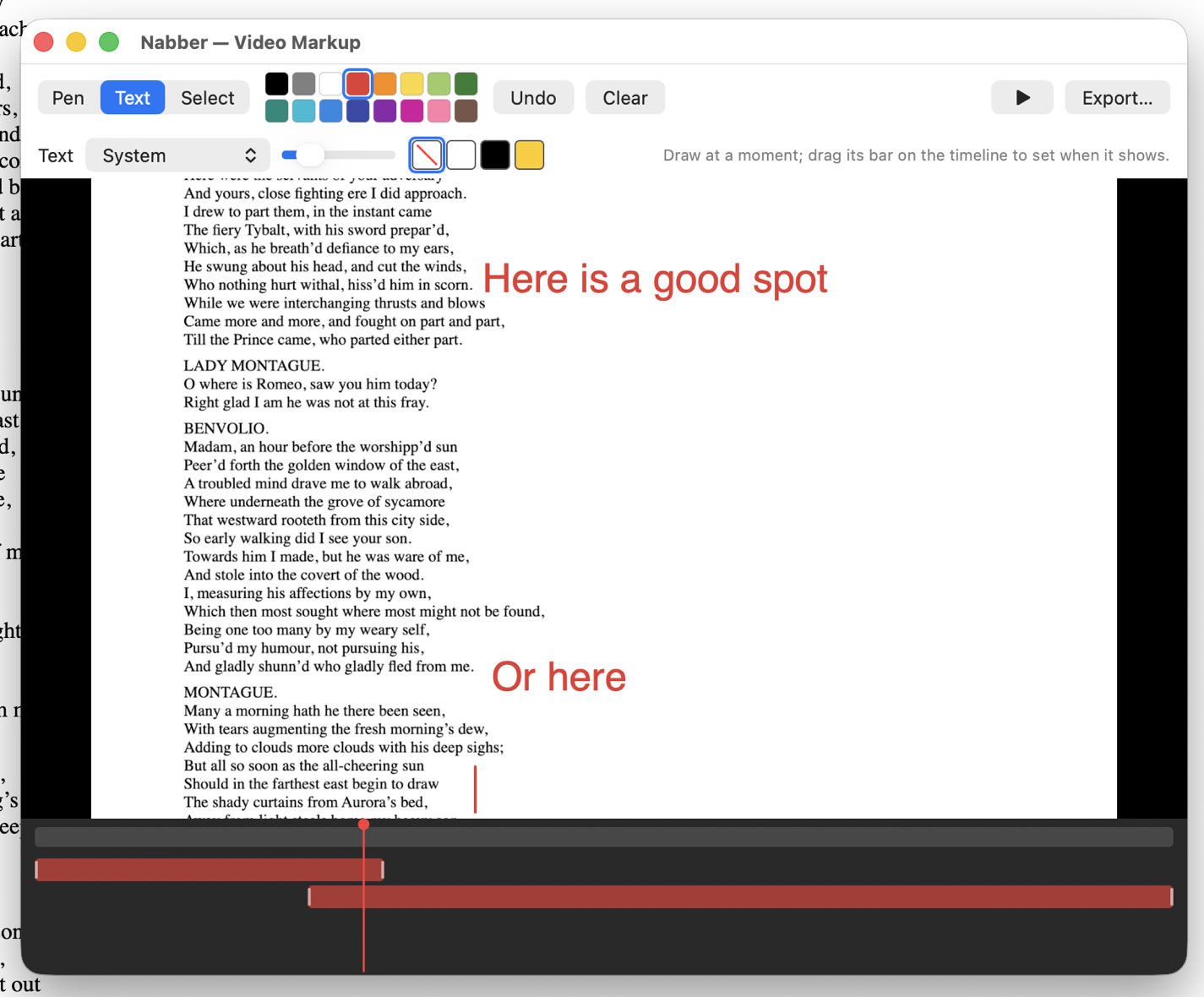
Record an area or a window with pause/resume, then annotate over time and export.
Your last shots and recordings, one click away in the menu bar.
Rebind every global hotkey. Launch at login. A real shutter sound on capture.
No accounts, no cloud. Captures stay on your Mac — the clipboard and your folders.
The pen recognizes lines, ellipses and rectangles the moment you pause — then lets you nudge the handles. Add text, pick from a curated palette, and select/move/resize anything.
Record an area or a window — with pause — then draw annotations that appear and disappear on a timeline. Export with the markup burned right into the video.
Pair a browser extension with Nabber to capture an entire web page — the extension renders the full page and hands it straight to the app. Free, and it works with your Mac App Store install.

For Chromium browsers. Get it from the Chrome Web Store, or load the unpacked folder.

The Microsoft Edge Add-on, using the same secure local pairing.

A Firefox add-on using the same secure local pairing as Chromium.
One-time purchase — no subscription, ever. Buy it once and it's yours to keep. No accounts, no cloud; your captures stay on your Mac.

Questions, bug reports, or feedback? Email support@grahampyett.ca and we'll get back to you.